
Camp Enrollment Process
YOUTH CaMP REGISTRation is Closed
Kids CAMP REGistration is still open
You must complete the process outline below in order to complete enrollment of your child/youth for camp.
If you wish to download or print this process, please click HERE
Write down this link in case you need to return to this page: www.trinitymm.com/camp-enrollment-2026
CAMP (Youth and Kids) 2026 Enrollment Process
We are so excited your student(s) will be attending camp this year!
*PLEASE MAKE SURE TO READ THROUGH ALL OF THE INFO VERY CAREFULLY
BEFORE USING THE LINK TO REGISTER
Please direct any enrollment or payment question to the church office.
Instructions for Completing Enrollment:
1. Click the link to the Student Ministries camp located at the bottom of the page. This will take you to the ‘Michigan Student Ministries Parent Dashboard’ login page.
IF YOU CREATED AN ACCOUNT IN 2024 or 2025, enter your email and password. If you forgot your password, click ‘What’s my password?’ to retrieve it. DO NOT CREATE ANOTHER ACCOUNT as this creates trouble on the camp’s end
IF YOU HAVE NOT PREVIOUSLY CREATED AN ACCOUNT, proceed by clicking on ‘Create your account’ and then filling out the form fields on the webpage (‘New Family Enrollment for Michigan Student Ministries’). If you created an account last year, DO NOT CREATE ANOTHER ACCOUNT. See the previous bullet for instructions for signing in.
Make sure to save your login information somewhere for future use.
2. Enter all required information and add all applicable campers.
3. Click Continue to Enrollment Options
4. You will be directed to your Camp Dashboard. To continue with enrollment, you MUST upload a current photo of your student by following the directions on the screen.
5. Next, select Enroll [Student] for 2026
6. Choose Mount Morris Trinity Assembly of God
7. Select Add Option for the correct camp:
For Kids Camp: Faholo Kids Camp 1 (July 19 – 22)
8. On the payment screen:
First, enter the Group Coupon Code (this is case sensitive & must not be interchanged kids vs. youth)
For Kids Camp: TAGFHLK38
(Kids Camp is for students going into 3rd to 6th grade)
Second, make sure you used the correct group coupon code above for your student!
Third, click APPLY COUPON
9. To complete enrollment, submit your electronic signature.
10. Repeat the steps above for each camper you are registering.
Please note:
After completing the payment information, the balance will incorrectly show $0. This is due to payment being in-house with Trinity rather than with the camp. You will receive an invoice from Trinity with your expected total, including any applicable applied in-house discounts.
Link for Enrollment: Click HERE to begin enrollment and carefully follow the steps above
Having issues with the site? Check out the following guide: Enrollment Help Guide
Important Dates and Deadlines
May 17th • Enrollment Deadline
June 7th • Payment Deadline (Payments are to Trinity)
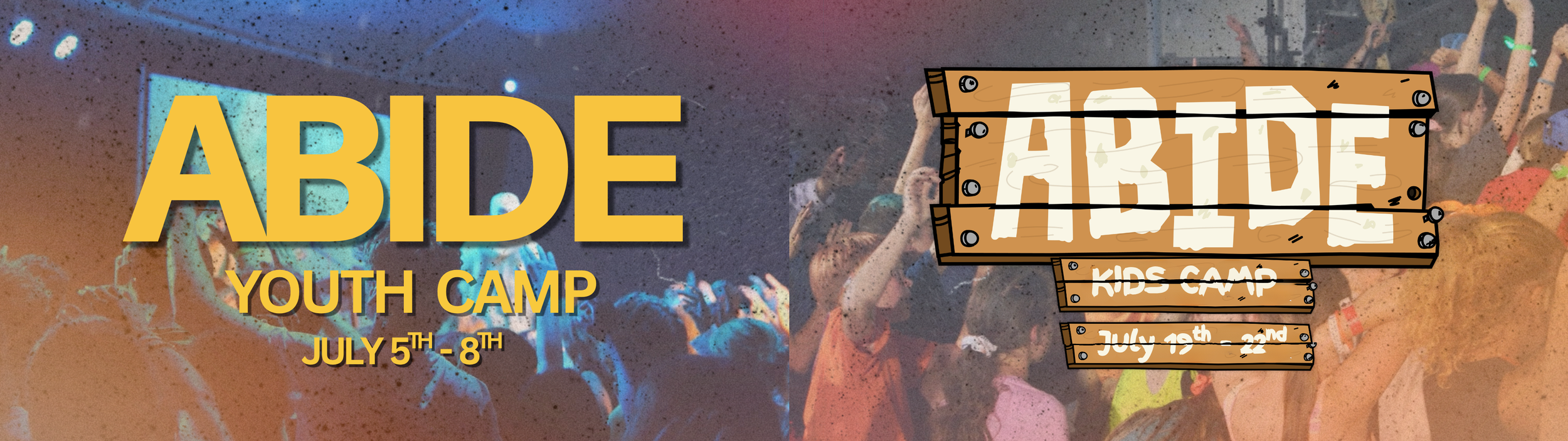
July 5th - 8th • Faholo Youth Camp 1
July 19th - 22nd • Faholo Kids Camp 1
Fundraising Opportunities
Apr 18th | 10am-5pm – Bueche’s Bake Sale #1
Apr 25th | 1pm – Walking Pop Can Drive - Meet @ Becky Angliss’ house
May 3rd | after service - Trinity Car Wash & Bake Sale
May 7th | 12-9pm – IHOP Dine-In Fundraiser
May 9th | 10am-5pm – Bueche’s Bake Sale #2
May 15th-16th | TBD - Garage Sale (set up, tear down, and running sale)
For questions and/or additional details, please contact the church office.